Best Secure & Private Browsing Solutions in 2026
Compare secure and private browsing solutions, from AI features to privacy tools, to find the best browser for safer web use.
Secure and Private Browsing Solutions: Choosing the Best AI Privacy Browser for Safe Internet Surfing

Secure and private browsing solutions, like those from Norton Neo, help protect personal data while you surf. This guide distils the core features, security controls, privacy trade-offs, and productivity benefits to help you pick an AI privacy browser that fits your needs.
Essential Features
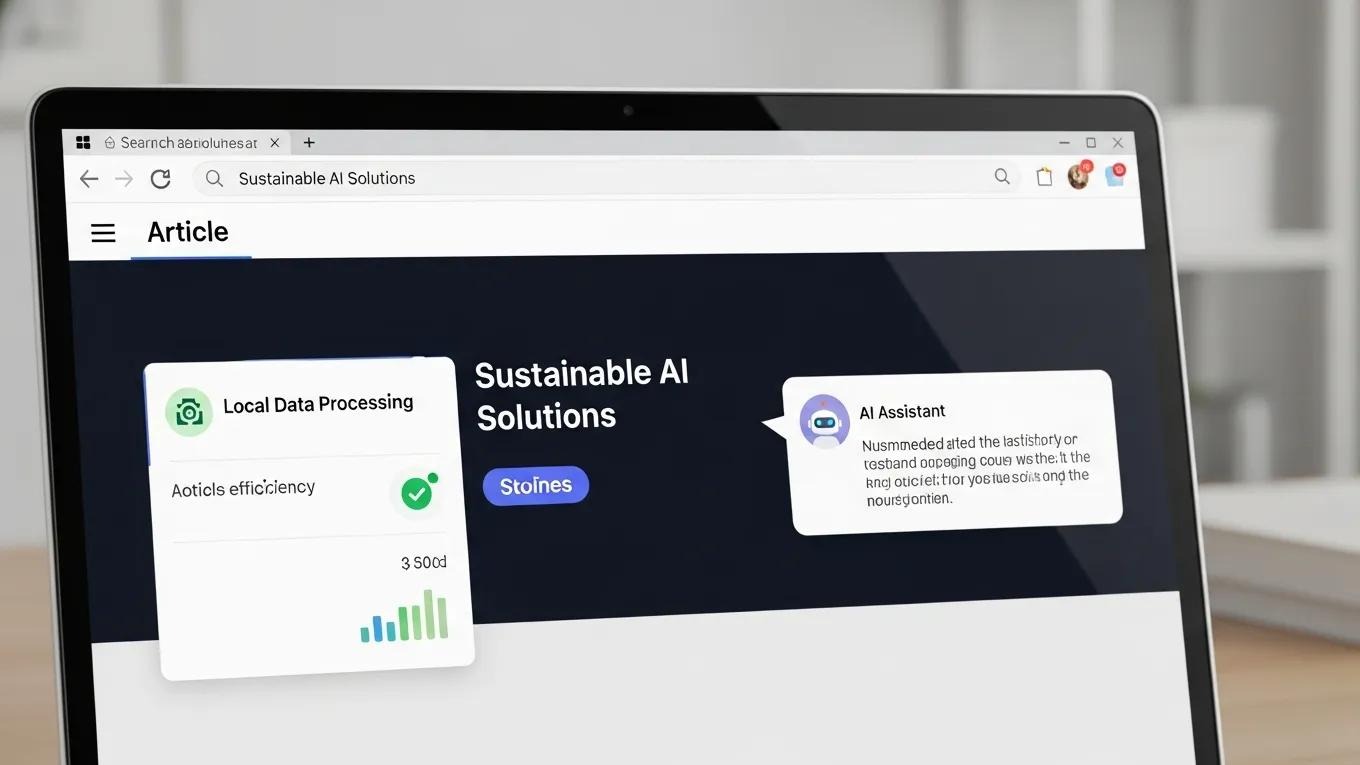
Prioritise protection and usability: local data processing, practical AI assistance, and smooth integration with services keep data safe without slowing you down.
Local Processing of Data: Keeps sensitive information on-device to reduce exposure.
AI-Powered Assistance: Offers personalised help and faster navigation while preserving privacy when run locally.
Integration with Services: Works with online tools without sacrificing user data control.
Norton Neo is an example of a platform designed to balance privacy and performance.
Security Measures
A private browser should combine threat detection, strong encryption, and clear permission controls to stop common online threats.
Threat Protection Features: Real-time checks for malware and phishing keep users safe.
Encryption Standards: Strong protocols (e.g., AES-256) secure data in transit.
Access Controls: Granular site and app permissions let users manage what is shared.
Norton Neo integrates these controls to reduce exposure during everyday browsing.
Security Features Comparison
The table below highlights key protections so you can compare core capabilities quickly.
Feature | Description | Benefit |
|---|---|---|
Threat Protection | Real-time scanning for malware | Prevents access to harmful sites |
Encryption Standards | AES-256 encryption | Secures data transmission |
Access Controls | User-managed permissions | Enhances data control |
Layered security features combine to provide broader protection for routine browsing tasks.
Privacy Considerations
Choose browsers that minimise data collection, let you control stored data, and explain data usage clearly.
Data Minimization Practices: Collect only what’s needed for core features.
User Control Over Data: Provide clear options to delete or export personal data.
Transparency in Data Usage: Publish plain-language policies about handling and sharing data.
These principles help you browse while keeping sensitive information private.
Web security and privacy challenges—like bot detection and meeting regulatory requirements—make protecting user data an ongoing task.
Web Security, Privacy & AI Act Compliance
This paper analyses web bot activity from offensive and defensive angles within modern web infrastructure. It examines the technical challenges of detecting bots among high volumes of benign traffic and highlights privacy risks tied to large‑scale monitoring. The study also explores Privacy Enhancing Technologies (PETs) to balance bot detection with user privacy.
Balancing security and privacy: Web bot detection, privacy challenges, and regulatory compliance under the
GDPR and AI act, JM Llamas, 2025
How Does a Private Web Browser Protect Your Data?
Private browsers combine encryption, tracker and cookie blocking, and IP-masking options to reduce exposure and preserve anonymity.
Encryption Methods: Protect data during transmission.
Data Tracking Prevention: Blocks trackers and cookies that profile users.
User Anonymity Features: VPN or proxy options help hide IP addresses.
Used together, these defenses make surveillance and interception harder.
What Are the Key Privacy Features in Secure Browsers?
Look for local data processing, active content blocking such as Norton WebShield, and simple controls that let users decide what to share.
Local Data Processing: Reduces the chance of leaks by keeping sensitive tasks on-device.
Norton WebShield: Blocks harmful content and phishing attempts.
User Control Over Data: Easy privacy settings for everyday use.
These elements strengthen privacy without harming usability.
How AI Enhances Privacy and Security in Browsing?
AI improves protection by detecting threats rapidly, favouring on-device models to avoid sending raw data to the cloud, and identifying unnecessary data collection.
Local vs. Cloud Processing: Local AI reduces exposure compared with cloud-only approaches.
On-Device AI Processing: Enables quick, private threat detection.
Data Minimization: AI can spot and discourage excessive data collection.
Research highlights on-device AI as a key method for handling sensitive data while reducing privacy risks tied to cloud processing.
On-Device AI for Secure Data & Privacy
This work outlines concepts for designing secure, on‑device AI systems that protect sensitive data. It shows how executing AI tasks locally removes many privacy risks associated with cloud processing.
Guardian-AI: on-Device AI Security for Sensitive Data, 2025
When AI runs locally, browsers can adapt to threats and user needs without exposing raw data off-device.
What Are the Benefits of Encrypted Browsing Tools?

Encryption prevents leaks, preserves confidentiality, and helps maintain anonymity by keeping connections unreadable to eavesdroppers.
Prevention of Data Leaks: Keeps intercepted data unintelligible.
Protection of Sensitive Information: Reduces risk when sharing personal data.
Enhanced User Privacy: Limits tracking tied to unencrypted connections.
Encrypted tools are essential for secure online activity.
Which Features Enable Anonymous Internet Surfing?
Tracker/script blocking and fingerprinting protection collectively limit identifiable signals and tracking vectors.
Tracker Blocking: Stops cookie-based profiling.
Script Blocking: Prevents unwanted data collection from scripts.
Fingerprinting Protection: Makes it harder for sites to uniquely identify devices.
These features are critical for users who prioritise anonymity.
How Does Secure Browsing Software Improve User Productivity?
Secure browsers reduce distractions and latency; local AI surfaces relevant content faster so users can complete tasks more efficiently.
AI-Powered Assistance: Speeds common tasks and searches.
Local Processing Benefits: Lowers latency for features and pages.
Norton WebShield: Limits interruptions from malicious content for smoother sessions.
These improvements help you stay focused and get more done online.
What Productivity Tools Are Integrated in AI Privacy Browsers?
Common productivity features include smart search/summarisation, unified search/chat, and tab management to find and organise information faster.
AI-Powered Search and Summarization: Quickly extracts key points from content.
Unified Search and Chat: Combines search with conversational tools to speed workflows.
Tab Management: Organises sessions to reduce clutter and restore context.
These tools aim to support workflows while preserving privacy.
How User-Friendly Interfaces Support Efficient Browsing?
Clear layouts, smooth task flow, and user control reduce friction. Customisable options let users tailor the browser to their habits.
Clarity in Design: Simple interfaces speed navigation.
Flow of Interaction: Smooth transitions reduce cognitive load.
User Control: Custom settings let users balance convenience and privacy.
Good design makes secure browsing accessible and productive.
For more details on features and user outcomes, see the testimonials section.
Frequently Asked Questions
What is the difference between a private browser and a regular browser?
Private browsers emphasize privacy and security through encryption, tracker blocking, and local processing. Regular browsers may collect data for ads and analytics; private browsers limit that collection and give users more control.
Can I use a private browser on mobile devices?
Yes. Many private browsers provide mobile versions with comparable tracker-blocking and encryption features.
How do I know if my browser is secure?
Look for strong encryption (e.g., AES-256), built-in malware protection, granular privacy settings, and regular updates. Independent reviews can also help assess security.
Are there any downsides to using a private browser?
Some sites may break if trackers or scripts are blocked; you may need to adjust settings for compatibility. Performance impact is usually small compared with the privacy gains.
What role does AI play in enhancing browser security?
AI enables faster threat detection, on-device analysis to reduce data exposure, and automated privacy controls that adapt to risks without sending raw data to the cloud.
How can I improve my online privacy beyond using a private browser?
Use a VPN to mask your IP, keep software updated, limit social sharing, disable third-party cookies, and prefer privacy-focused search engines.
What should I look for in a privacy policy when choosing a browser?
Seek clear statements on what data is collected, how it’s used, whether it’s shared, and the user rights for access, deletion, and export. Policies committed to minimisation and user control are preferable.


Step into the New Digital Reality Now
Neo is the browser your web deserves.