Browser Privacy Fundamentals: What You Need to Know
Understand browser privacy basics, essential protections, and the tools that help keep your browsing habits safer and more private.
Understanding Browser Privacy Fundamentals: Essential Features and Tools for Secure Web Browsing

Digital interactions are everywhere, so protecting your browser privacy matters. Browser privacy refers to the tools and settings that keep your data safe from unauthorised access and tracking. This article outlines the fundamentals of online privacy, why it matters, and which browser features improve data protection. You’ll learn what online privacy means, how privacy features work, and how privacy-focused browsers differ from standard ones. We also compare Norton Neo, an AI-powered browser designed to enhance user privacy, with other privacy browsers, and list practical tools to improve security and productivity.
What Is Online Privacy and Why Does It Matter?
Online privacy is your right to control personal information—how it’s collected, used, and shared online. It matters because personal data can be misused, causing identity theft, financial loss, and other privacy violations. Understanding these risks helps you protect yourself and maintain control of your digital life.
Defining Online Privacy and Its Core Concepts
Online privacy rests on three core ideas: data minimization, user consent, and transparency. Data minimization means collecting only what’s necessary. User consent gives people control over their data. Transparency requires clear communication about data use, which builds trust between users and providers.
Which Browser Privacy Features Enhance Data Protection?

Browser privacy features block unwanted tracking, prevent unauthorised access to your data, and strengthen overall security to make browsing safer.
How Does Tracker Blocking Prevent Unauthorized Data Collection?
Tracker blocking stops third-party trackers from collecting data across sites. Blocking trackers reduces non-consensual sharing and strengthens privacy. It can also speed up browsing by cutting the number of requests to external servers.
Researchers have tested new approaches, like browser extensions, to fight advanced tracking and improve user privacy.
Browser Extension for Online Tracking Protection
This article describes a browser extension that tackles advanced online tracking using three methods: blocking known trackers from a defined list, altering technical device data to resist fingerprinting, and heuristic detection of unknown trackers. Users can view and manage detected trackers through a clear, easy-to-use interface.
Enhancing Online Privacy: Design and Evaluation of a Browser Extension Against Non-Consensual Tracking, A El-Yahyaoui, 2026
What Role Does Encrypted Browsing Play in Secure Web Access?
Encrypted browsing—typically via HTTPS—keeps data between your device and a website private and hard to intercept. That protects sensitive details like passwords and credit card numbers during transmission. Using encrypted connections helps protect against eavesdropping and man-in-the-middle attacks.
How Do Privacy-Focused Browsers Differ from Standard Browsers?
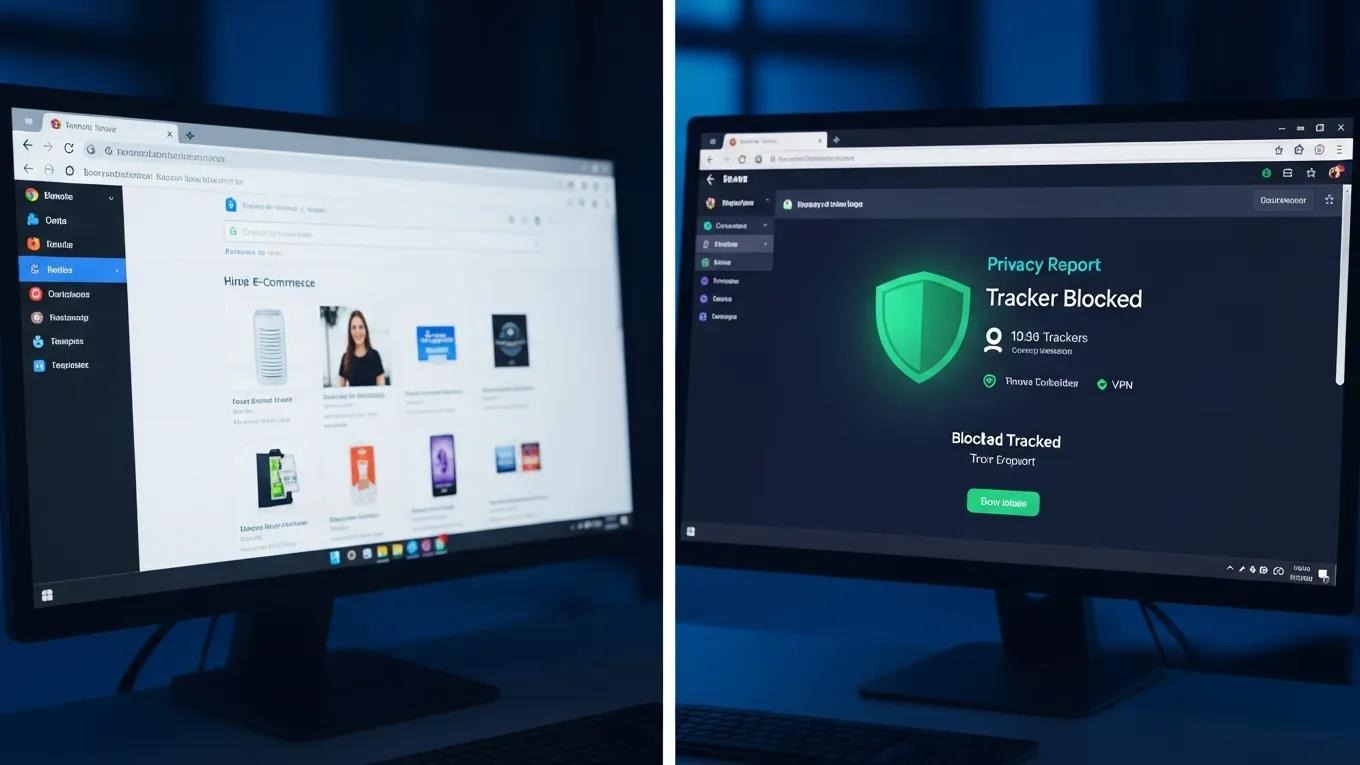
Privacy-focused browsers prioritize data protection and include features many standard browsers do not. These differences matter if you want stronger privacy controls and reduced data collection.
A broad review of web browsers highlights the ongoing need for robust privacy protection and shows that private modes can still leak data.
Web Browser Privacy & Security: A Comparative Review
This paper surveys research on privacy leakage in popular desktop browsers on Windows—Google Chrome, Mozilla Firefox, Microsoft Edge, Apple Safari, Brave, Tor, and others. It examines the parameters used to assess privacy leakage and the methods for evaluating both normal and private browsing modes. The authors conclude that documentation for private mode is incomplete and that users’ privacy can still be exposed.
Privacy and security comparison of web browsers: A review, R Madhusudhan, 2022
Key Characteristics of Privacy-Focused Browsers
Privacy browsers often include stronger tracker blocking, built-in VPN services, and strict limits on data collection. Those features protect you from external threats and reduce unnecessary data collection by the browser itself. By minimising data collection and offering tools for anonymous browsing, these browsers help you control your online presence.
Comparing Norton Neo with Other Privacy Browsers
Norton Neo differentiates itself with AI-powered features that aim to enhance security while preserving privacy. Unlike many standard browsers, it performs local data processing and uses intelligent tracker blocking to limit exposure. Those capabilities make it a notable option for users seeking stronger privacy. Learn more about its capabilities in the features section.
What Online Privacy Tools Improve User Security and Productivity?
Several online privacy tools can improve security and productivity by helping you manage data and defend against common online threats.
Cookie Management Strategies for Enhanced Privacy
Good cookie management helps protect privacy. Clear cookies regularly, block third-party cookies in your browser settings, or use extensions that manage cookie preferences. These steps reduce tracking and limit how advertisers use your information.
Further research highlights the challenges third-party cookies pose and how blocking them can affect user experience.
Third-Party Cookies & Browser Privacy Protection
This study examined where third-party cookies are used in marketing, the effects they have, and the user experience problems that arise when privacy protections block them. The research compared Chrome, which uses third-party cookies, with Brave, which blocks them, and measured the files and trackers left on users’ computers.
A Cookieless Future: Solving the UX Problems Caused by the Privacy Protections Method, 2023
How AI Integration Boosts Browser Privacy and User Experience
AI in browsers like Norton Neo improves privacy by processing data on-device, so less personal information needs to be sent to external servers. This keeps more control in your hands while letting the browser deliver personalised content and smarter tracking prevention. The result is a more secure and smoother browsing experience.
For testimonials and user experiences with Norton Neo, visit the testimonials section. To address common questions, the FAQ provides detailed answers.
Frequently Asked Questions
What are the risks of not using browser privacy features?
Skipping browser privacy features exposes you to risks like data breaches, identity theft, and pervasive tracking by advertisers. Without tracker blocking and encrypted browsing, your personal information can be collected and misused, leading to unwanted targeted ads, phishing, or financial loss. Using robust privacy tools helps protect sensitive data and keeps you in control online.
How can I choose the right privacy-focused browser for my needs?
Choose a browser by checking its privacy features, interface, and device compatibility. Look for strong tracker blocking, built-in VPN options, and minimal data collection policies. Read user reviews and performance benchmarks, then test a few browsers to find the best fit for speed and usability.
What are the benefits of using a VPN in conjunction with a privacy browser?
Using a VPN with a privacy browser encrypts your internet connection and hides your IP address, making it harder for third parties to monitor your activity. This adds protection on public Wi‑Fi and increases anonymity while browsing.
How do browser extensions enhance online privacy?
Extensions add extra layers of protection by blocking ads, managing cookies, and preventing fingerprinting. Some extensions also provide secure password management and encrypted communication. By choosing privacy-focused extensions, you can tailor protection to your needs and better safeguard your anonymity.
What should I do if I suspect my online privacy has been compromised?
If you suspect a privacy breach, act quickly: change passwords, enable two-factor authentication, and tighten privacy settings on social platforms. Run a malware scan and monitor financial accounts for suspicious activity. If needed, seek help from a cybersecurity professional.
Are there any legal protections for online privacy?
Yes. Legal protections vary by country. In the European Union, the General Data Protection Regulation (GDPR) gives strong rights over personal data. In the United States, laws like the California Consumer Privacy Act (CCPA) provide some protections, though they are narrower than GDPR. Stay informed about the laws in your region to understand your rights and how companies must handle your data.


Step into the New Digital Reality Now
Neo is the browser your web deserves.