Web Technology Basics for Smarter Browsing
Learn the web technology fundamentals behind privacy, security, and AI browser features so you can browse with more confidence.
Web Technology Fundamentals for Browser Users: Understanding Privacy, Security, and AI Integration

Knowing the basics of web technology fundamentals helps you protect privacy, strengthen security, and use AI where it benefits your browsing. This article outlines how these areas affect your experience and safety. You’ll learn common risks and practical ways AI can help. We cover privacy controls, security, AI features, and safe-browsing practices.
Understanding Privacy:
Privacy in browsing means you control what personal data is collected, stored, and shared by browsers. As platforms collect more data, checking and adjusting privacy settings becomes essential. Browsers may track behavior and preferences; understanding those practices helps you limit exposure. Know the difference between local and cloud processing, since each affects security and data flow. Ultimately, user control over personal data builds trust in online interactions.
Browsers like Norton Neo improve privacy with focused features, giving strong controls so you can manage your data and browse more safely.
Security Measures:
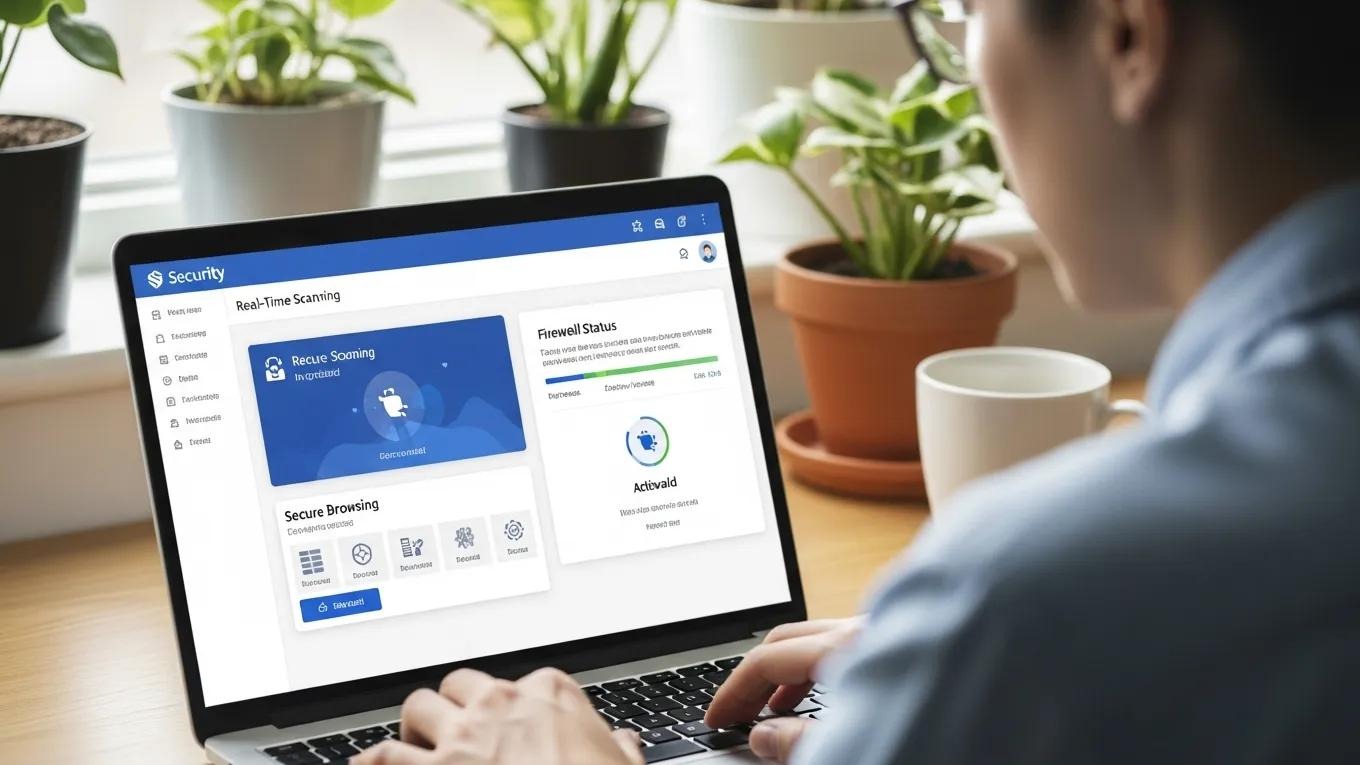
Browser security aims to block threats like malware, phishing, and data breaches. Common protections include real-time scanning, secure browsing modes, and encryption during data transfer. These measures keep sensitive information private and make it harder for attackers to intercept data. Fraud-prevention tools also warn you about risky sites and activities.
Norton Neo includes proactive threat detection and encryption, reducing risk for users focused on online safety.
Threat Protection Mechanisms
Real-Time Scanning: Continuously monitors for potential threats while browsing.
Secure Browsing Modes: Provides a safer environment by blocking harmful sites.
Phishing Detection: Identifies and warns users about fraudulent websites.
These measures help users browse with confidence.
The real-world effectiveness of these tools often hinges on usability—how clear alerts are and whether users understand what actions to take.
Improving End-User Internet Security Software Usability
A study found that commercial security products can suffer from poor usability, especially in their alert interfaces. The paper assessed alert usability across several leading security packages using specific criteria. The results showed that interface design and users’ limited security knowledge often undermine decision making. The analysis also found that four usability criteria were not met by the selected products, and recommended adapting alerts based on users’ previous decisions and behavior.
Assessing the usability of end-user security software, T Ibrahim, 2010
Data Encryption Practices
Encryption protects sensitive data by making it unreadable to anyone without the correct keys. Browsers use established encryption protocols to secure data in transit, which reduces the chance of interception and misuse by attackers.
Fraud Prevention Strategies
Fraud prevention helps you spot and avoid scams. Typical strategies include warning systems that flag suspicious sites or behaviour, reducing the chance you’ll fall for fraudulent schemes.
AI Integration:

AI in browsers adds personalised features and smart assistance that speed tasks and improve relevance. By analysing behavior, AI can suggest content and actions that fit your needs. Cloud AI enables more analysis and real-time adjustments to improve browsing.
Norton Neo leverages AI to boost productivity, offering tools that streamline tasks and improve performance. AI features help you find relevant content faster and handle routine actions with less effort.
AI Features That Improve User Experience
Personalized Recommendations: Suggests content based on user preferences and browsing history.
Intelligent Search: Enhances search results by understanding user intent.
Automated Task Management: Streamlines repetitive tasks, saving users time.
AI coding tools can boost developer productivity by up to 55%
These tools make browsing more intuitive and reduce time on repetitive tasks.
Cloud-Based AI Processing
Cloud AI lets browsers run powerful models that process large datasets quickly. That enables real-time tweaks so you get more relevant suggestions while browsing.
User Empowerment Through AI
AI offers customizable settings and smarter alerts to help you make clearer choices about privacy and online actions.
Implications for User Experience:
Privacy, security, and AI together shape how confident and efficient users feel online. Strong privacy controls build trust, solid security reduces risk, and AI streamlines interactions to save time and effort.
As awareness grows, more users will prefer browsers that prioritise privacy and security, pushing developers to build smarter, more privacy-focused tools.
Best Practices for Safe Browsing:
To enhance browsing safety, adopt these practices:
Stay Informed About Privacy Policies: Regularly review the privacy policies of the websites you visit to understand how your data is being used.
Utilize Built-In Security Features: Take advantage of the security features offered by your browser, such as pop-up blockers and phishing protection.
Control Personal Data Settings: Regularly check and adjust your privacy settings to ensure that you are comfortable with the level of data sharing.
Follow these steps to cut your exposure to threats and enjoy a more private browsing experience.
How to Choose a Privacy-Focused Browser That Meets Your Web Technology Needs?
When selecting a privacy-focused browser, consider these features:
Robust Privacy Settings: Look for browsers that offer comprehensive privacy controls, allowing you to manage your data effectively.
Advanced Security Features: Ensure the browser has strong security measures in place to protect against online threats.
AI Integration: Choose a browser that utilizes AI to enhance user experience and provide personalized features.
Comparing browsers helps you choose the right fit. Norton Neo combines privacy controls, strong security, and AI features, making it a compelling all-around option for users seeking an all-around browsing solution.
With these factors in mind, you can pick a browser that protects your data and improves how you use the web.
Frequently Asked Questions
What are the key differences between local and cloud processing in web browsers?
Local processing happens on your device, which usually keeps personal data private since it doesn’t leave the device. Cloud processing sends data to remote servers for heavier analysis and faster updates, but it involves transmitting data over the internet. Balance the privacy advantages of local processing against the extra functionality cloud processing can provide.
How can I improve my online privacy while using a web browser?
Improve privacy by reviewing and tightening your browser’s privacy settings, using tracker-blocking extensions, and considering a VPN to encrypt your connection. Also check website privacy policies so you understand how your data is used and can make informed choices.
What are the most common online threats that web browsers protect against?
Browsers defend against threats such as malware, phishing, and data breaches. Malware can come from dangerous downloads or compromised sites. Phishing tricks you into revealing personal details. Data breaches expose stored information. Built-in tools like real-time scanning and phishing detection help reduce these risks.
How does AI enhance the browsing experience?
AI personalises content, improves search relevance, and automates repetitive tasks. By analysing patterns, AI suggests useful content and shortcuts that save time. Overall, AI adapts the browser to your habits to make browsing more efficient.
What should I look for in a privacy-focused browser?
Look for strong privacy controls that let you manage data sharing, advanced security features like phishing protection and malware detection, and AI that enhances usability without sacrificing privacy. Compare browsers on these points to find the best match for your needs.
How can I recognize and avoid phishing attempts while browsing?
Watch for red flags like suspicious URLs, poor grammar, and unexpected requests for sensitive data. Use a browser with phishing detection and avoid clicking links in unsolicited messages. When in doubt, verify the source before sharing personal information.


Step into the New Digital Reality Now
Neo is the browser your web deserves.