The AI browser designed around you
An AI-native browser designed around the way people actually use the web. Get helpful AI support whenever you need it, with a more private, secure, and personal browsing experience.
#1 customer-rated consumer cybersecurity brand
Based on Trustpilot rankings as of 8/11/26
Available on Windows, macOS, Linux, iOS, and Android.

A browser that gets you
Find what you're looking for faster, with useful search results when you need to explore and clear answers when you need to understand something.
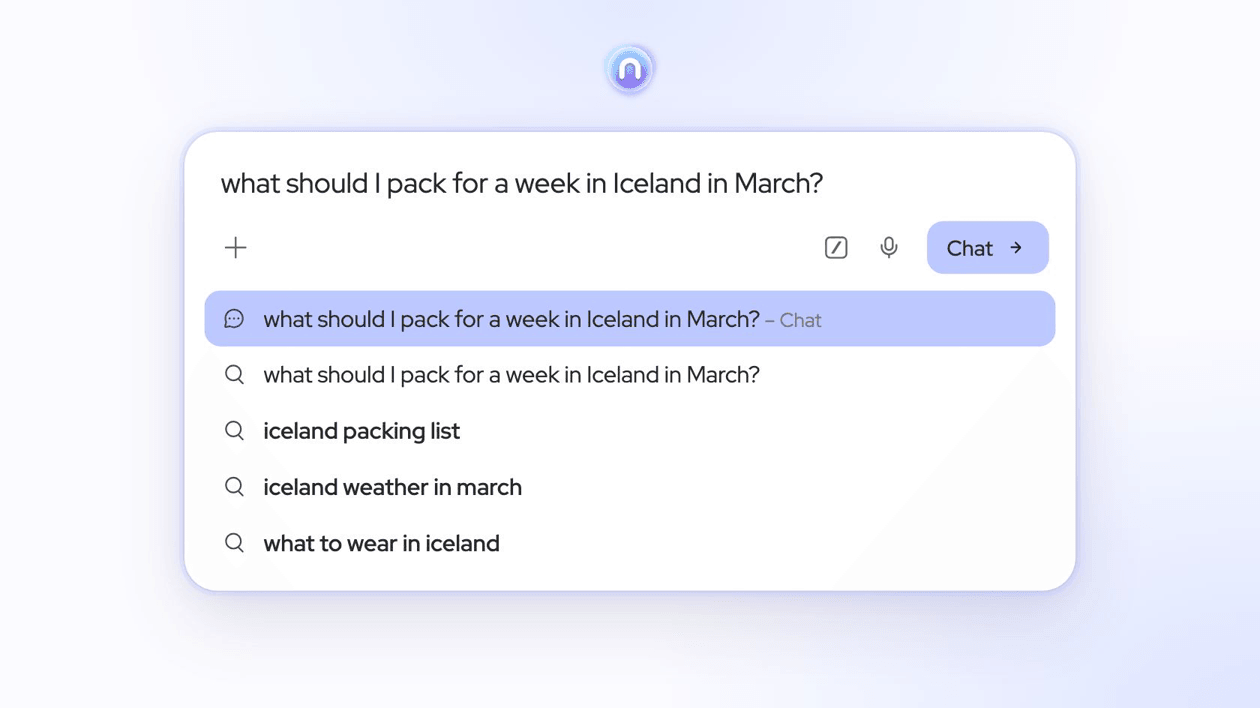
Get to the answer without all the back and forth
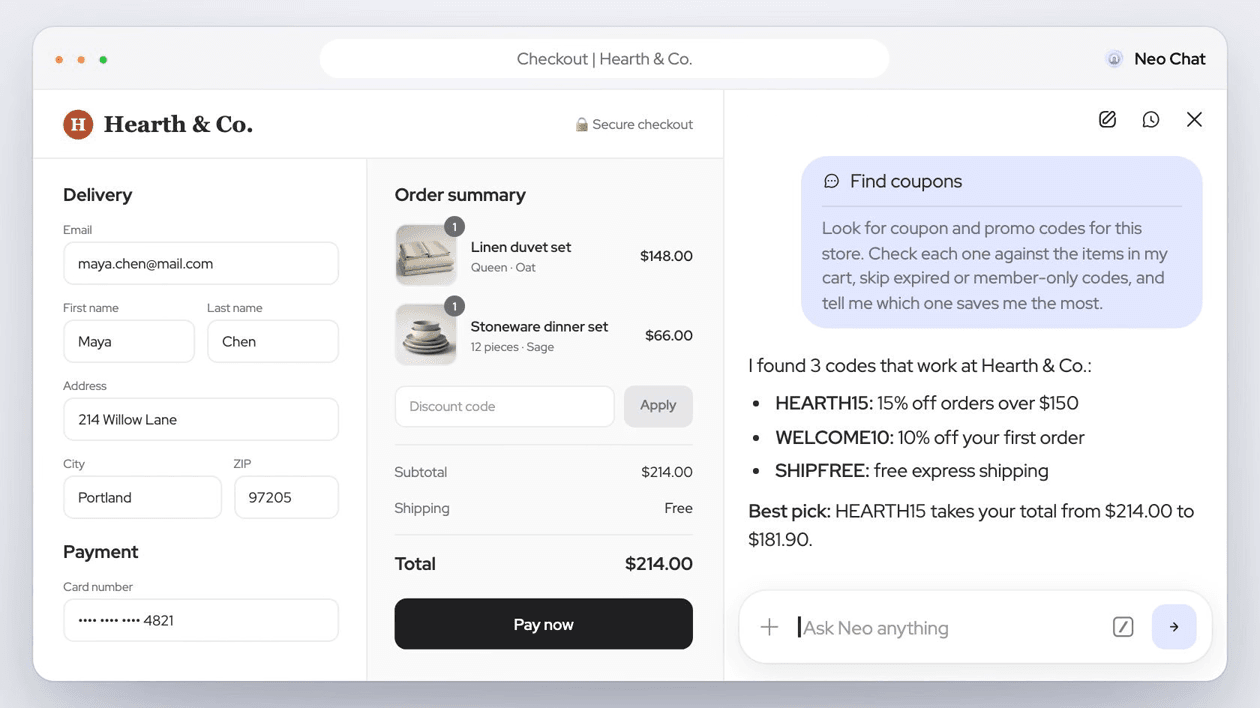
Bring information from your open tabs together to make sense of it, compare your options, and decide what to do next.


Find what you're looking for, without digging for it
Find key details in long documents, weigh your options before making a decision, or revisit a page you remember seeing but can't find.
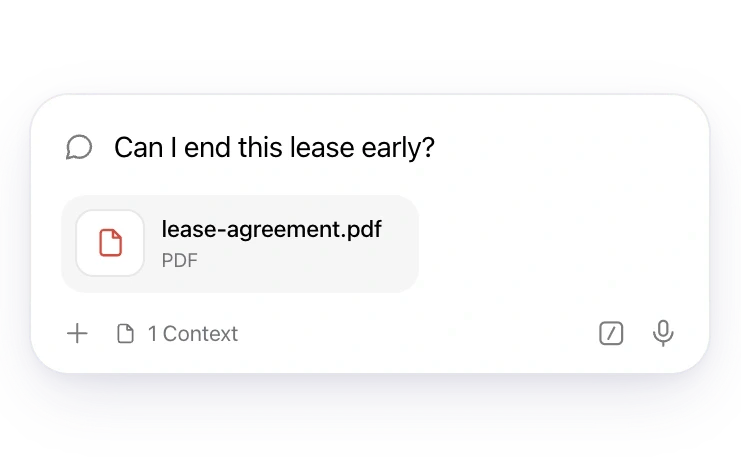
Ask questions about your documents
Summarize long reports, understand complex contracts, or translate documents in another language. Just upload your file and ask.
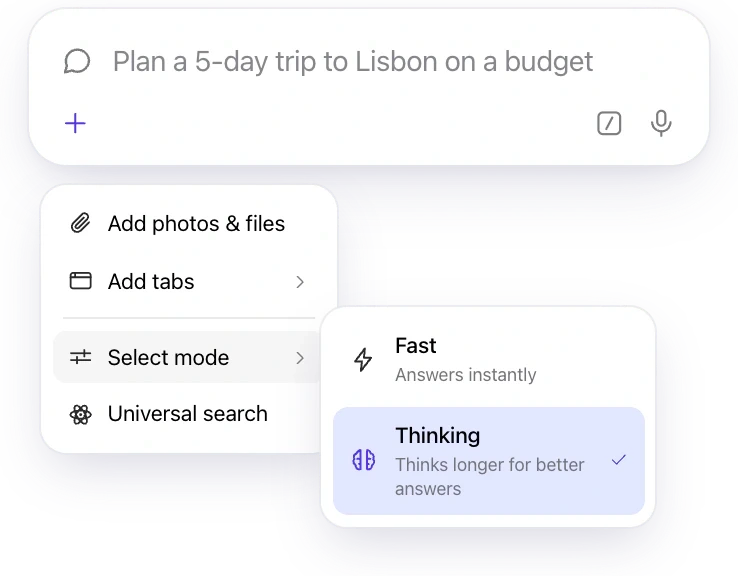
Go deeper on the questions that matter
Turn on Thinking to plan a trip on a budget, weigh your options, or work through a tricky decision.
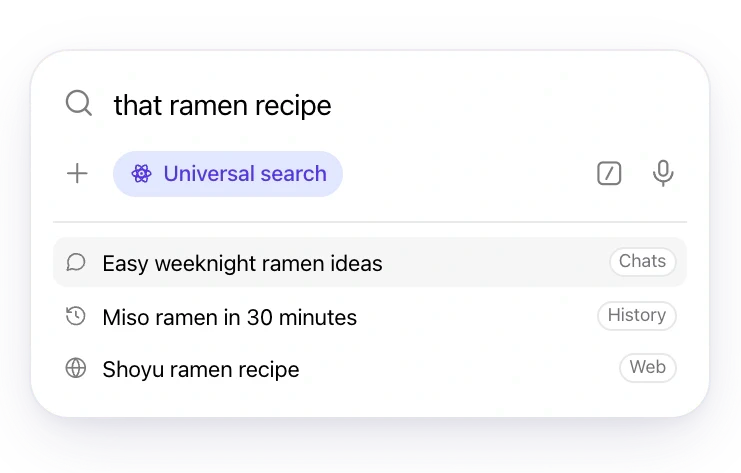
Reconnect with information you came across, wherever it was
Search your past chats, browsing history, and the web in one go.
Stay in the loop on what you love
Create a feed around your interests and get fresh updates daily, weekly, or monthly. From travel inspiration and new recipes to the latest in tech, your favorite topics come to you in one place.

Choose what you want to follow
Start with your own prompt or a suggested idea. Add as much detail as you like, and change it anytime.
Choose when to get updates
Set how often and when your feed updates, whether daily at 8 AM or once a week.
Give your feed a name
Add a short title so you can easily find it on your Magic Feed page. That’s it: your feed is ready, and Neo keeps it updated for you.
Bring your ideas to life, with just a few words
Create a custom birthday invitation, visualize an idea for your home, or make a funny image to share with friends. Just describe what you have in mind.

Turn your ideas into images, effortlessly
Create an invitation, reimagine your room, or make something funny. Just describe what you want and refine it until you love the result.
Find the image you’re looking for
Browse your creations by date, search your gallery, or sort by newest to find the right image in seconds.
Your creations, always within reach
Your images are saved directly on your device, so they’re ready whenever you want to use them.
Skip the repetition
Save the instructions you use most and reuse them whenever you need, without typing them all over again.
Get to the point, faster
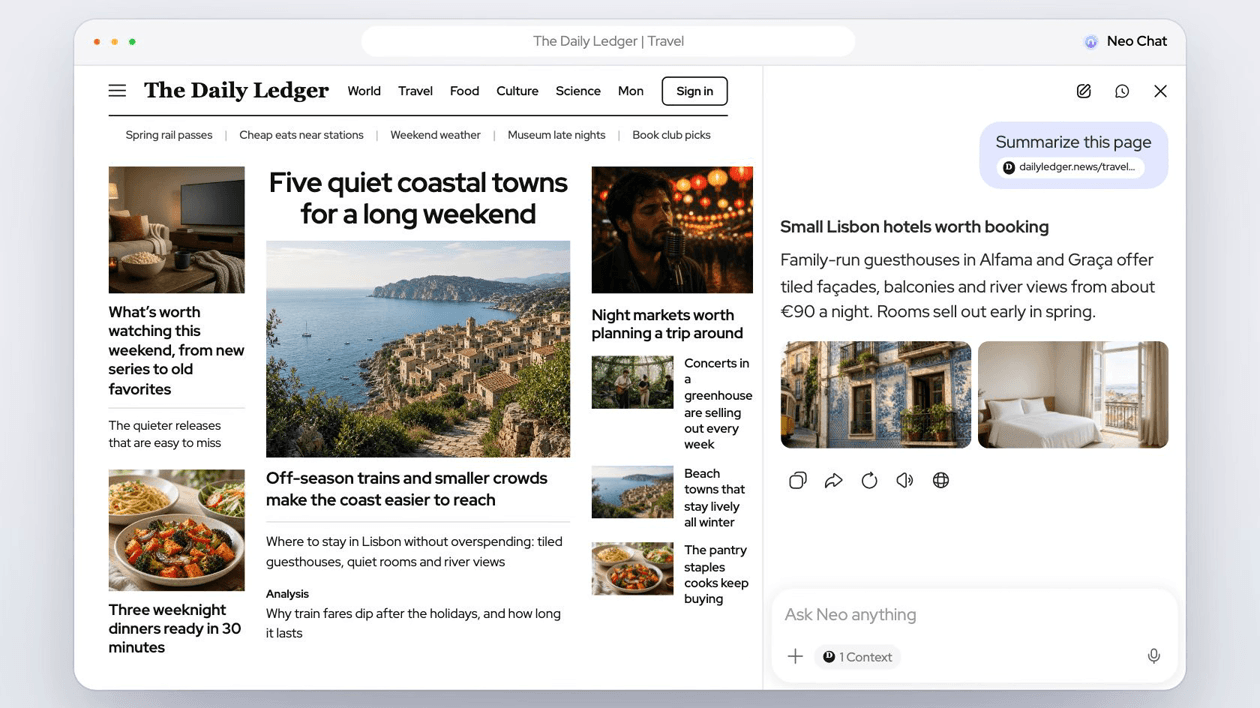
Get the summary without opening the page
Summarize any link with one click and get the key takeaways right in your chat, without leaving your current page.
Ask AI. Keep it private.
Enjoy everything you love about AI, without sacrificing your privacy.
How Neo keeps AI privateStored on your device, not ours
Your chat history is stored on your device by default. There is no copy on our servers to read, hand over, or lose.
Your message goes. Your identity doesn’t.
What you type is sent without identifying details like your IP address, location, or device information. The model sees your message, not who sent it.
Never used to train AI. Ever.
Your conversations don't feed our models. What you share with Neo stays between you and Neo, not in a training dataset.
Try the AI built into Norton Neo
Understand pages, compare tabs, summarize links, and create images without switching apps. Norton Neo is free and doesn’t require an account.
Free to download · No account required
Questions about Neo’s AI
How Neo’s AI works and what happens to your data.
Is Neo’s AI free?
Yes. AI is included with Norton Neo at no cost, with no account or usage limit.
What is the Magic Box?
It’s Neo’s address bar. Use it to open a site, search the web, or ask a question. Type @ to add an open tab or / to use a saved prompt.
Can Neo compare tabs?
Yes. Add two or more open tabs with @ or the + menu, then ask Neo to compare details such as prices, specifications, reviews, or policies.
Can I ask about a PDF or photo?
Yes. Choose Add photos & files from the + menu, attach a file, and ask for a summary, explanation, or specific detail.
What’s the difference between Fast and Thinking?
Fast answers immediately and suits most questions. Thinking takes longer for planning, analysis, and problems with several steps.
What does Universal search look through?
It searches your past Neo chats, browsing history, and the open web at the same time.
What is Magic Feed?
It’s an automatically updated feed for a topic you describe. For example, ask for daily updates on stocks you follow, and Neo creates and maintains the feed.
Are my chats used to train AI models?
No. Neo requires every AI provider it uses to agree in writing not to train models on your chats. Read how Neo keeps AI private.
Neo Chat is AI and can make mistakes. Verify important information and actions.